Computing in the Shadow of AI: Upgrading a >10 year old Laptop
Welcome to Computing in the shadow of AI, where I try re-purposing, upgrading, optimizing and fixing older hardware in an era of ever increasing, AI-driven prices.
I plan to make this a small series where I do small projects on older hardware and see what I can get out of it, because I am too broke to afford the current prices for computer hardware.
My first project will be to upgrade and do some maintenance on my old laptop from my university days. It is an ASUS N550JK Laptop:
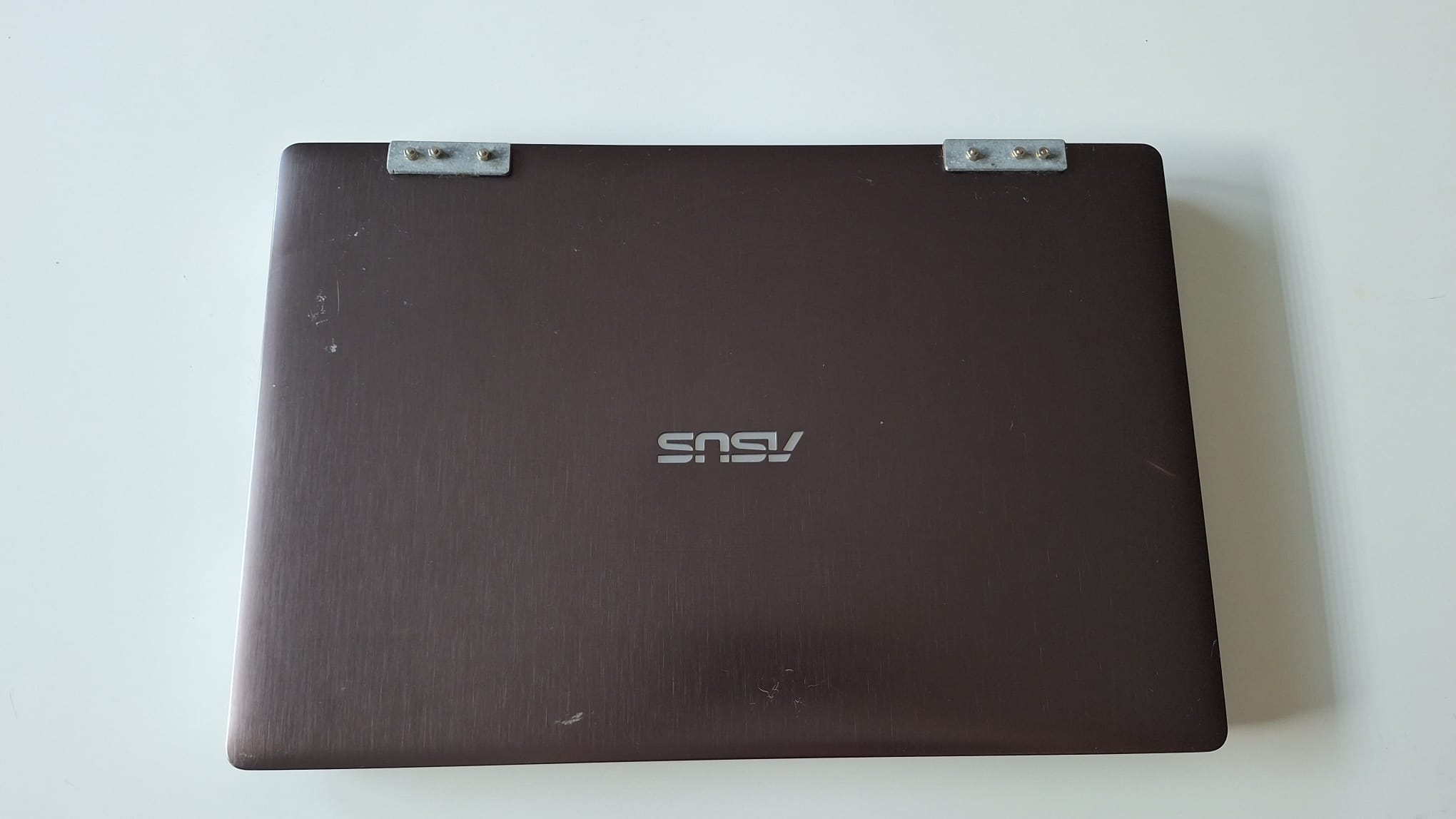
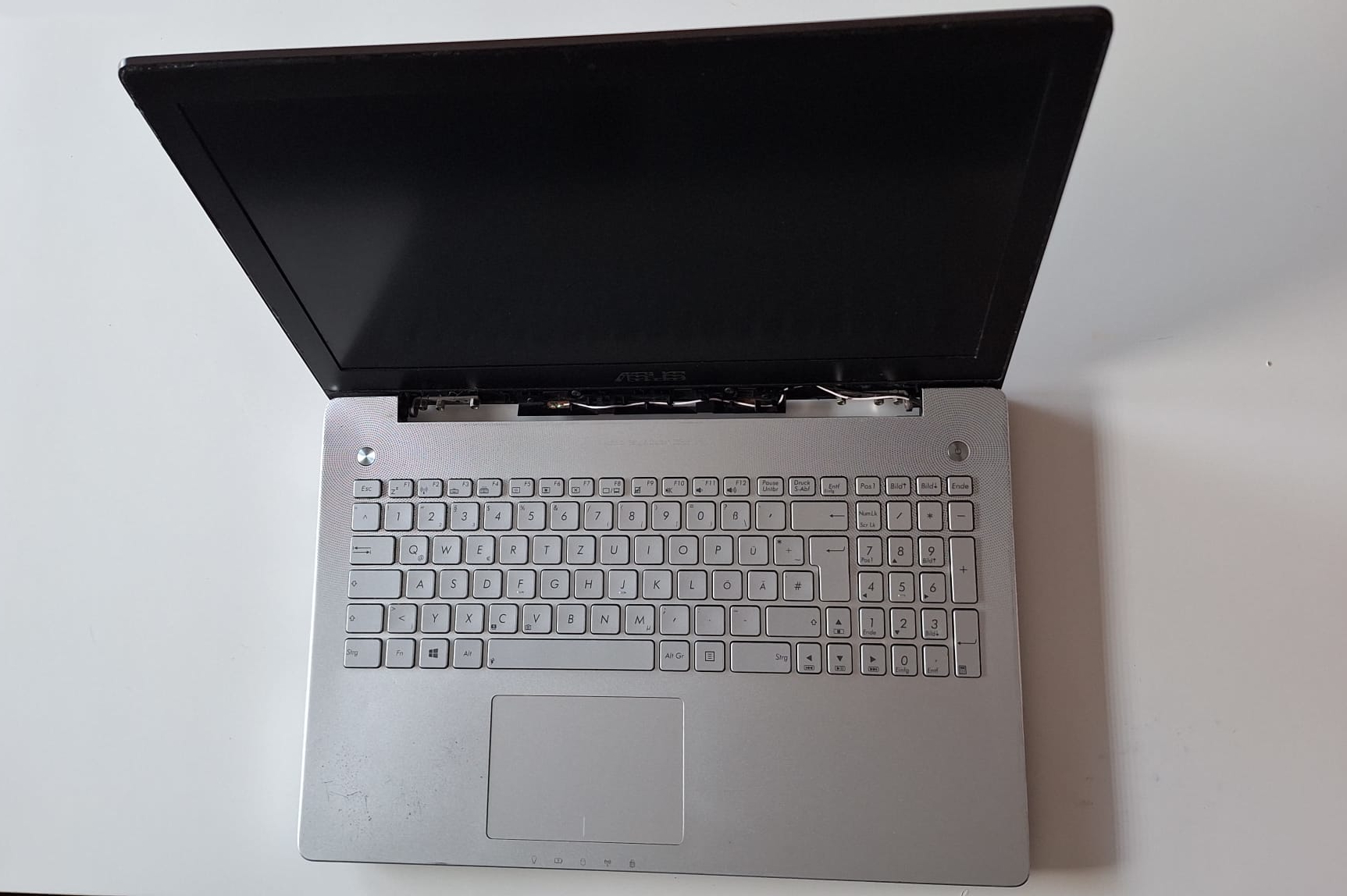
It came out in late 2014 has the following specs:
| CPU | Intel Core i7 (4th Gen) 4710HQ / 2.5 GHz |
| RAM | 8GB DDR3L 1600MHz |
| GPU | NVIDIA GeForce GTX 850M |
| Storage | 1TB HDD |
As you can see it is already pretty beat up (it fell out of my backpack when I was rushing to a university lecture I was late to) and I already had to fix the hinges by attaching metal plates to the back, drilling holes through the plastic and connecting it to the actual metal hinge mechanism, since the flimsy plastic connector broke off.
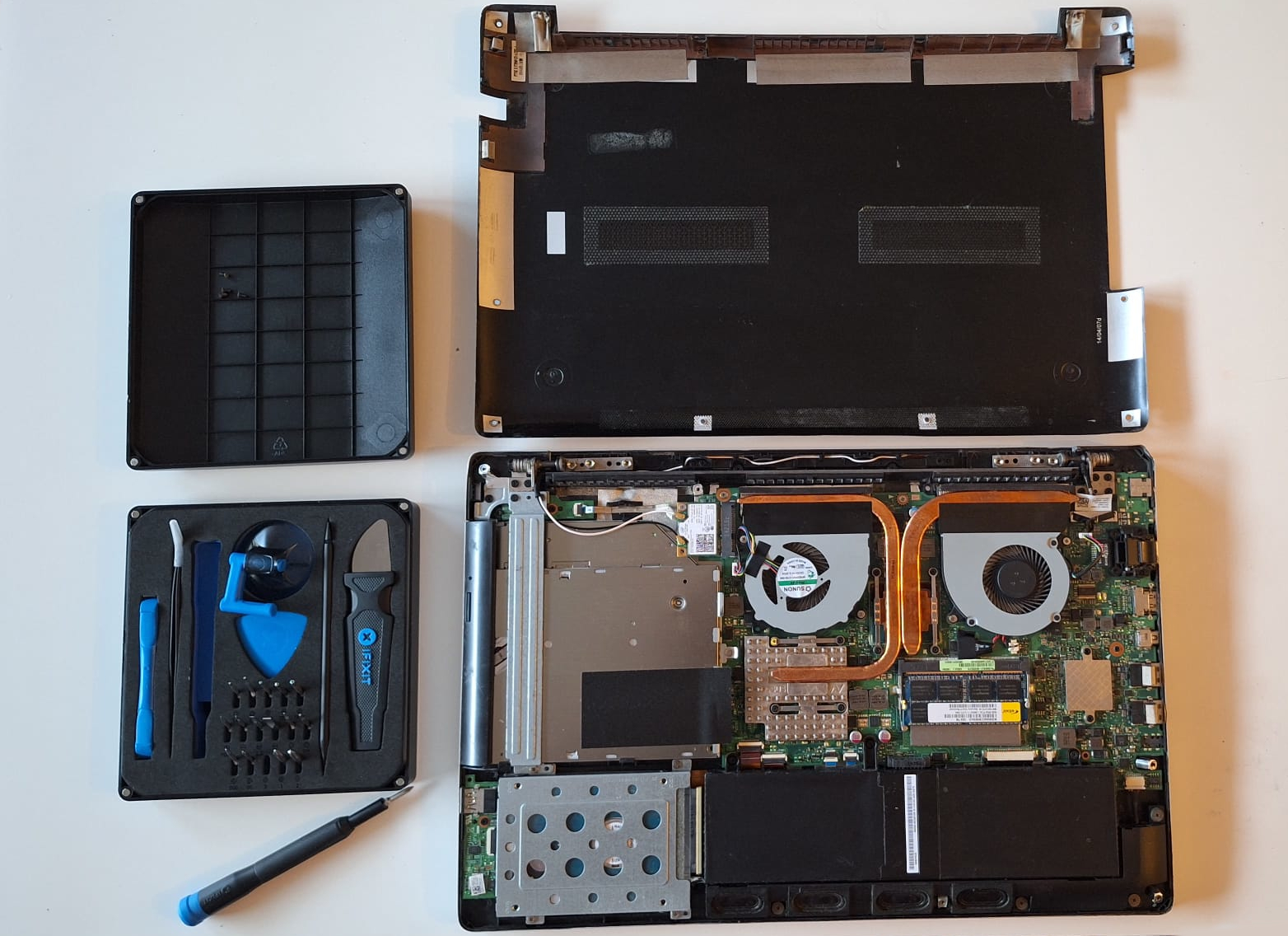
Upon closer inspection however, the biggest travesty is the 8GB of DDR3L RAM. Not only is it 2 generations behind at this point, it is only 8GB AND its clock speed is only 1600 MHz. While I can’t upgrade the CPU and GPU (since they are integrated into the motherboard) I CAN upgrade this pitiful amount of RAM. I found a good deal for an additional 8GB DDR3L Stick, so lets open this bad boy up and get to upgrading:
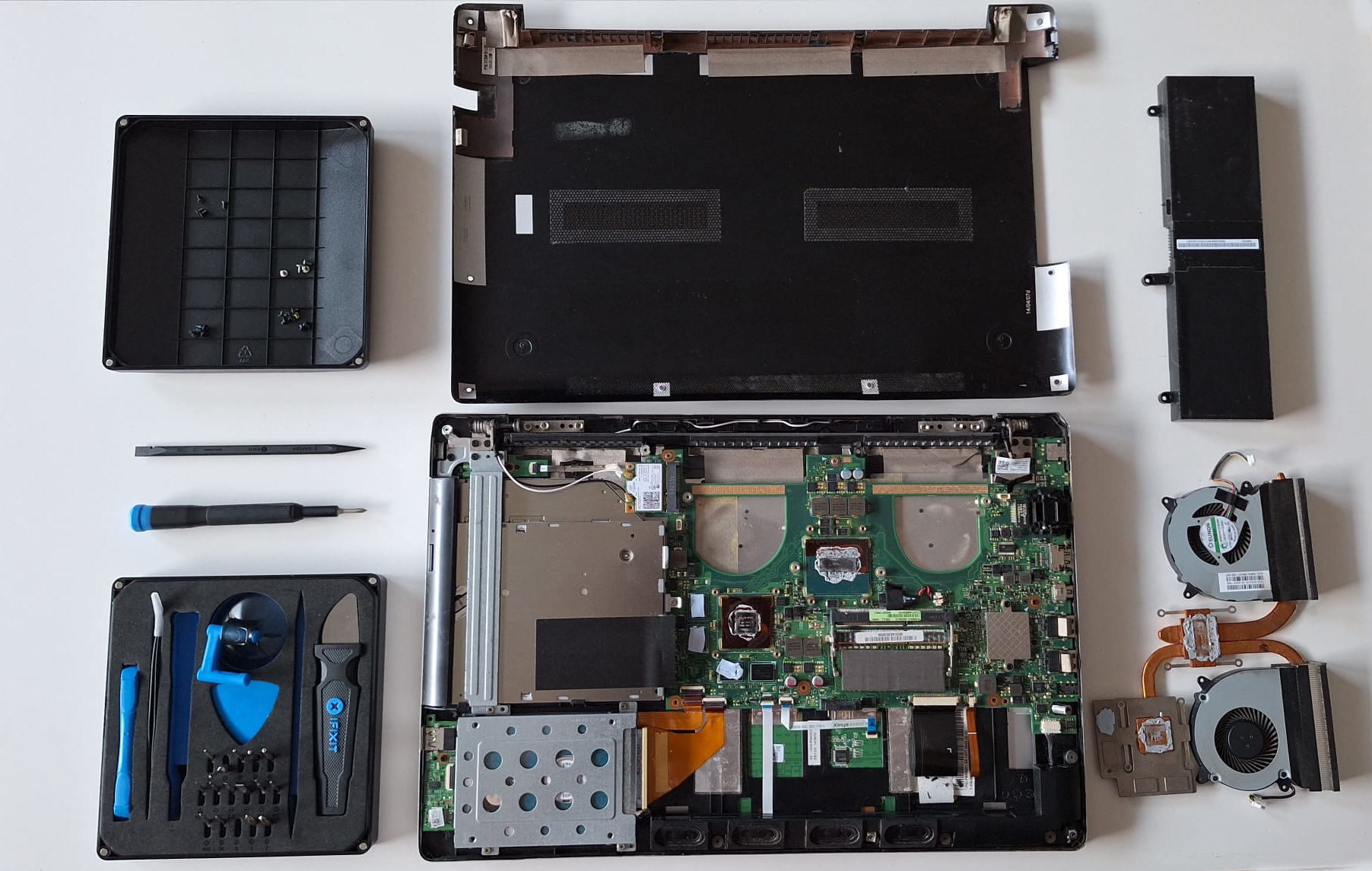
After opening the case and unplugging the battery, I also decided to check the state of the thermal paste, since this laptop is >10 years old at this point. And it was a good call as one can see, since the original thermal paste is extremely dried out. One quick clean of the heatsink and CPU and GPU later:
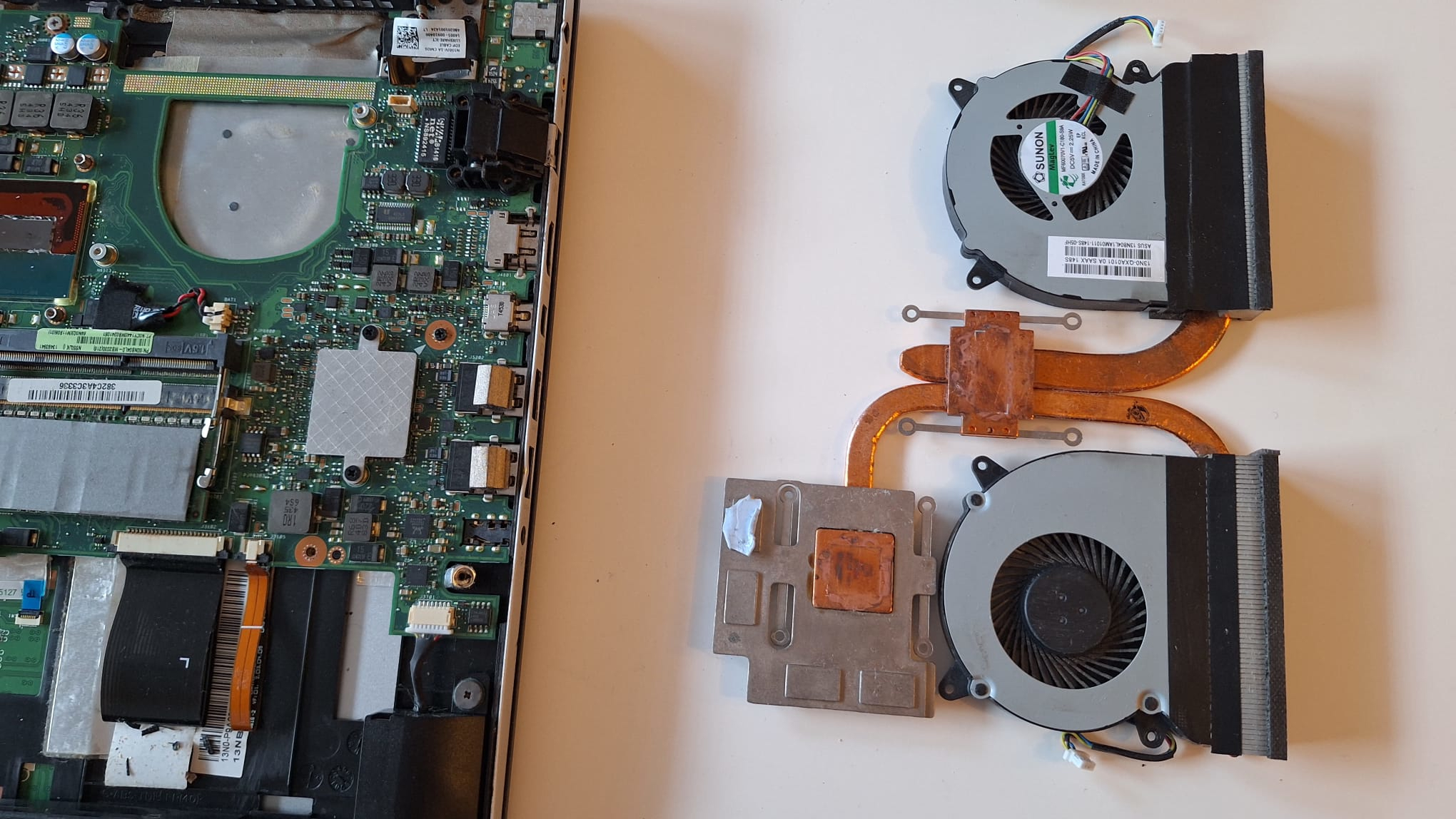
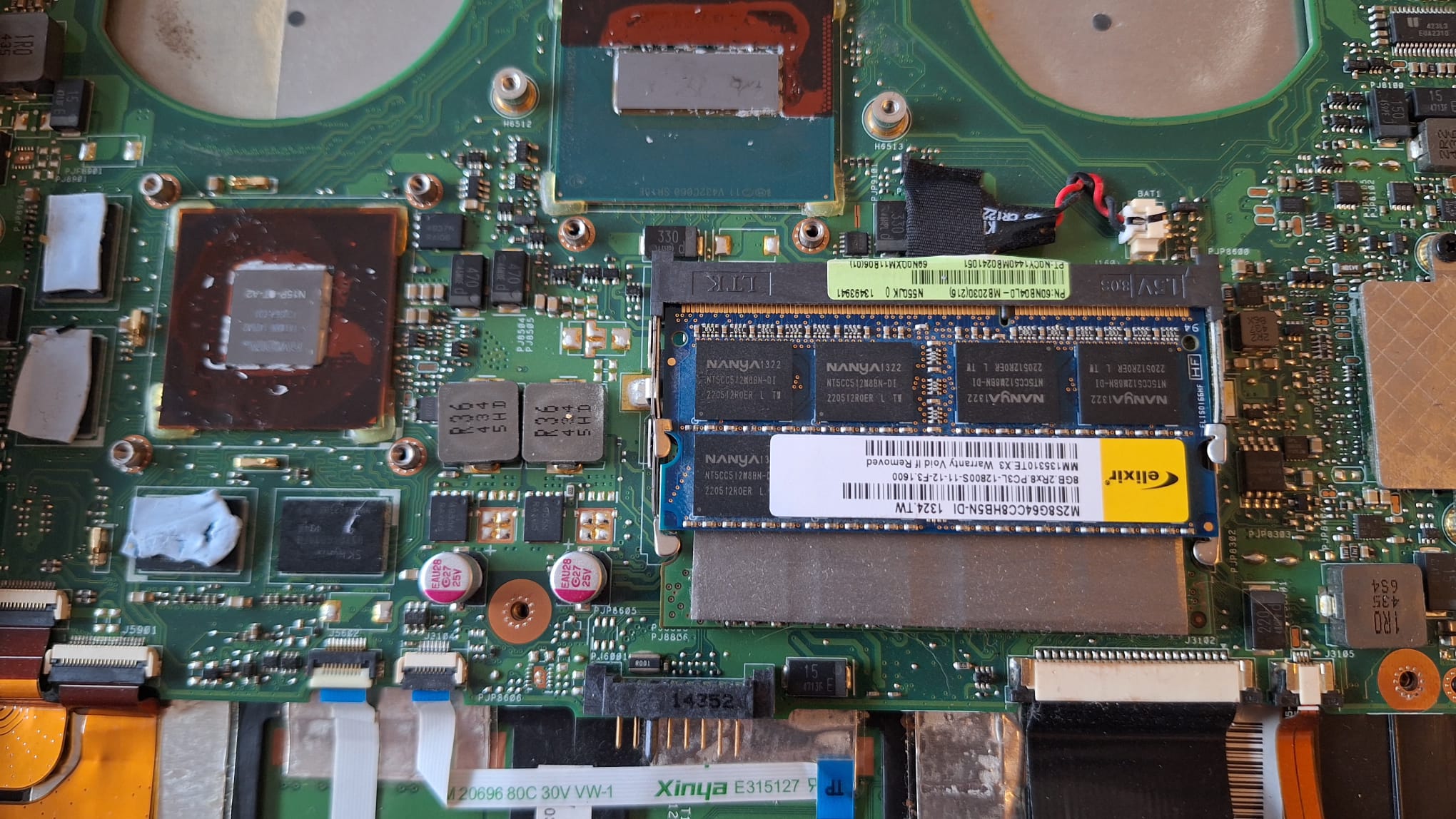
It already looks much better. At this point I also installed my fancy new and blue RAM stick and thus doubled my available memory. Another thing to note is that adding a second stick enables dual-channel mode. This will provide a further noticable boost in performance, in addition to the raw increase in memory size.
Now all that is left to do is to apply some thermal paste onto those chips and make sure we cover the whole surface:
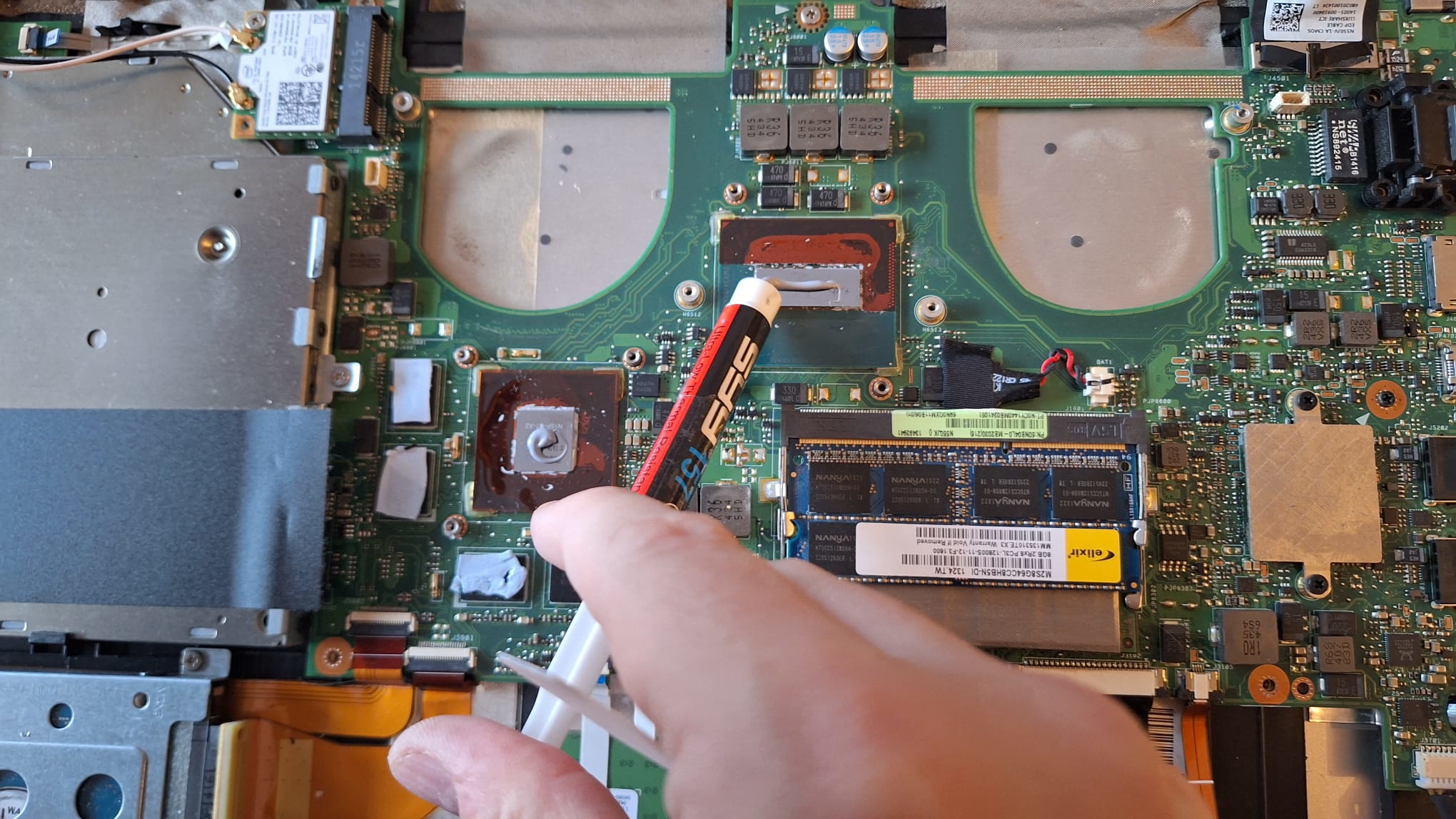
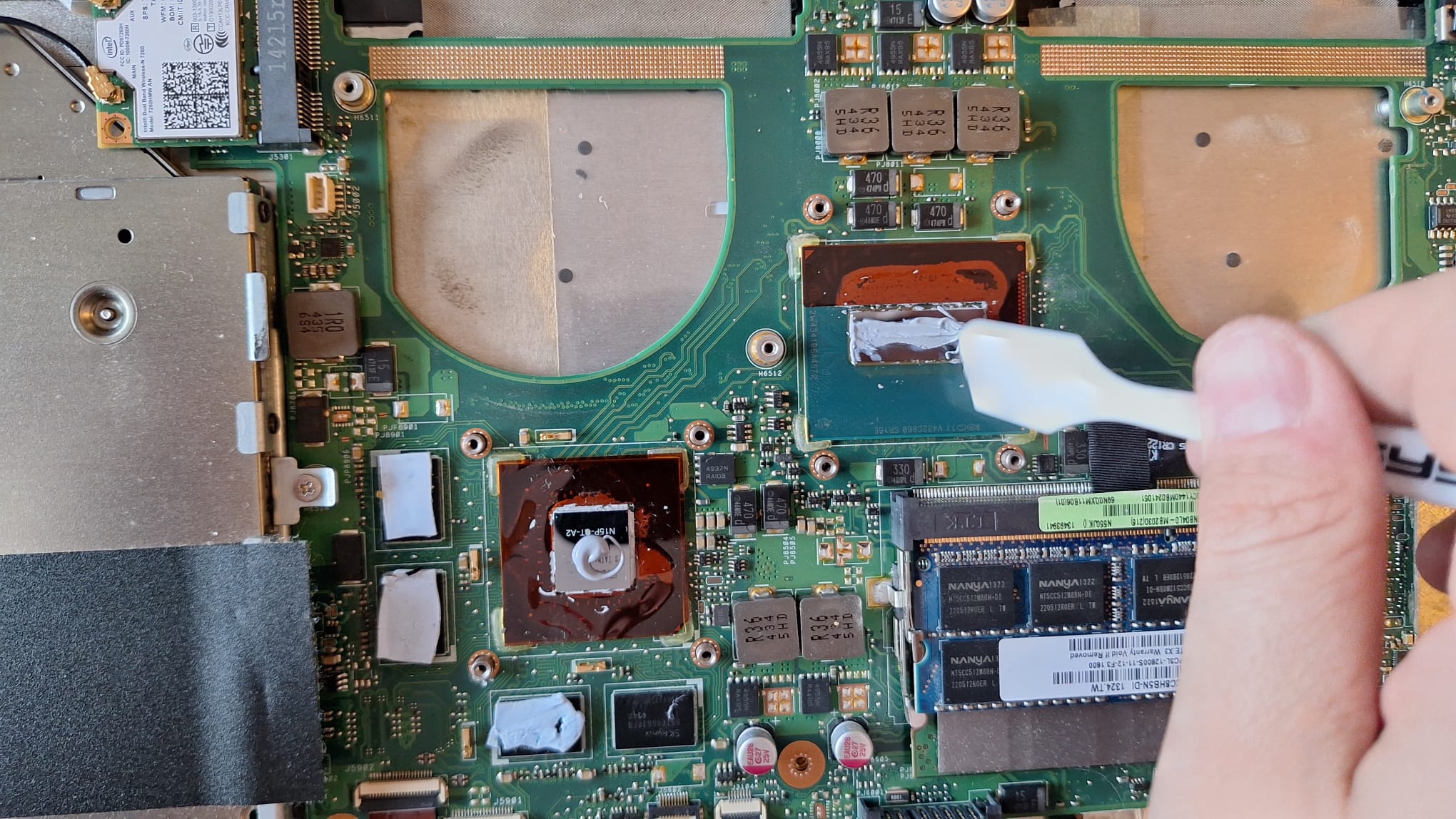
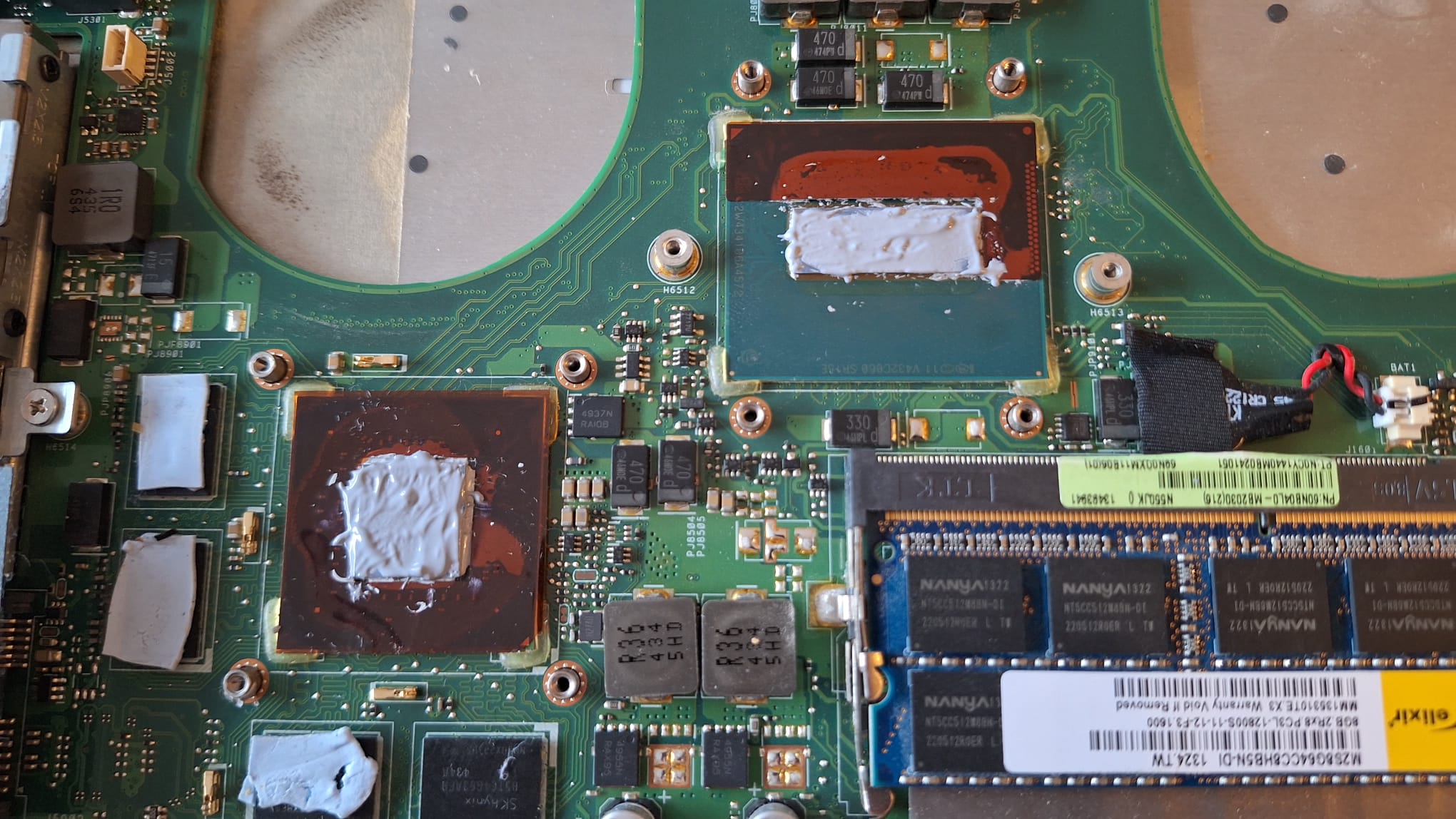
And to reassemble everything:
And voila! I have successfully doubled my memory and performed some crucial maintenance on this old laptop.
After booting it up and making sure everything works, I have a much more responsive system due to the increased memory and on average 15-20° lower CPU and GPU temperatures. The next realistic upgrade for this laptop would be an SSD instead of the ancient HDD, however unless I find a good deal on a used 2.5” SDD, I will put this off for a time without AI inflated storage prices.